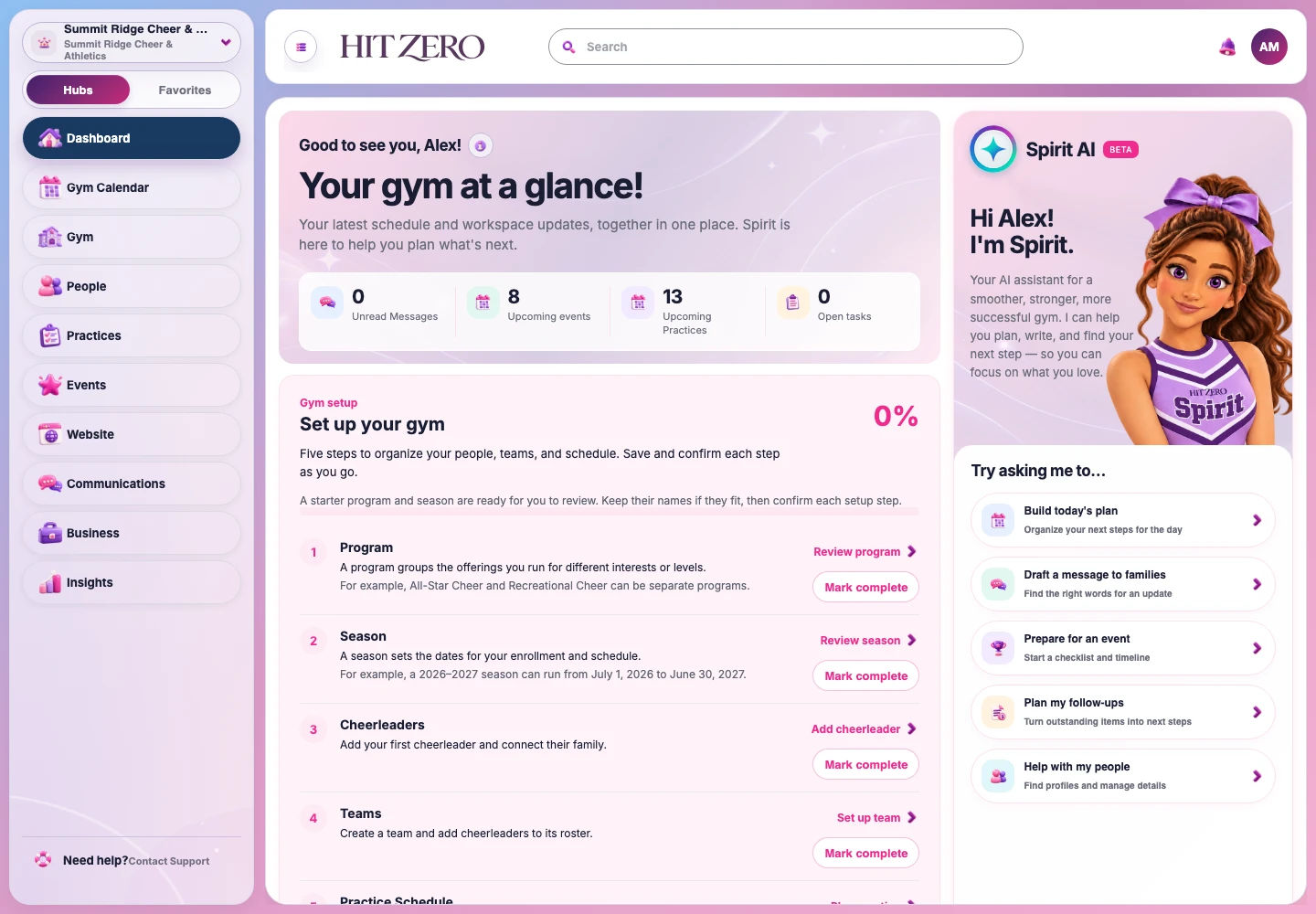
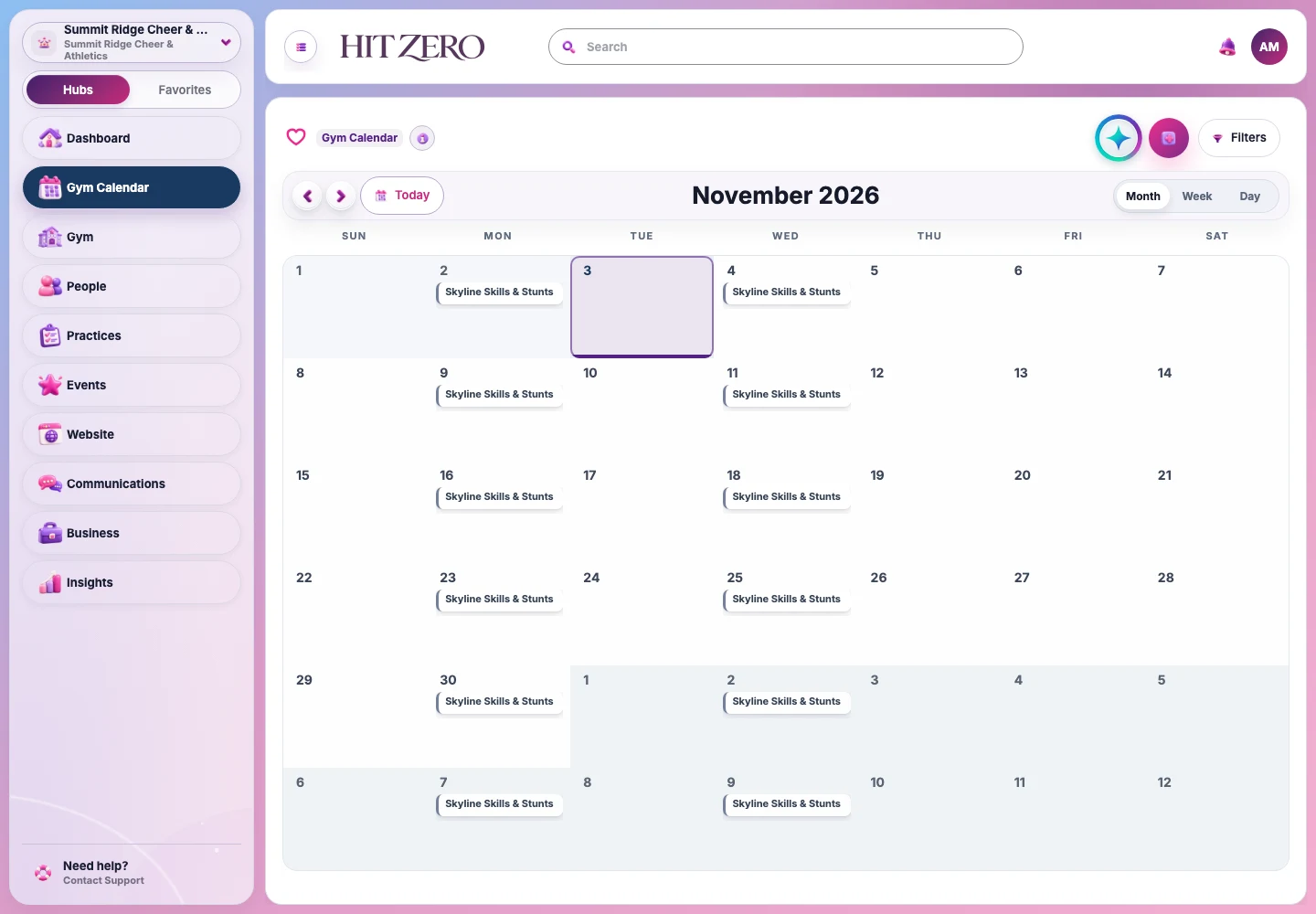
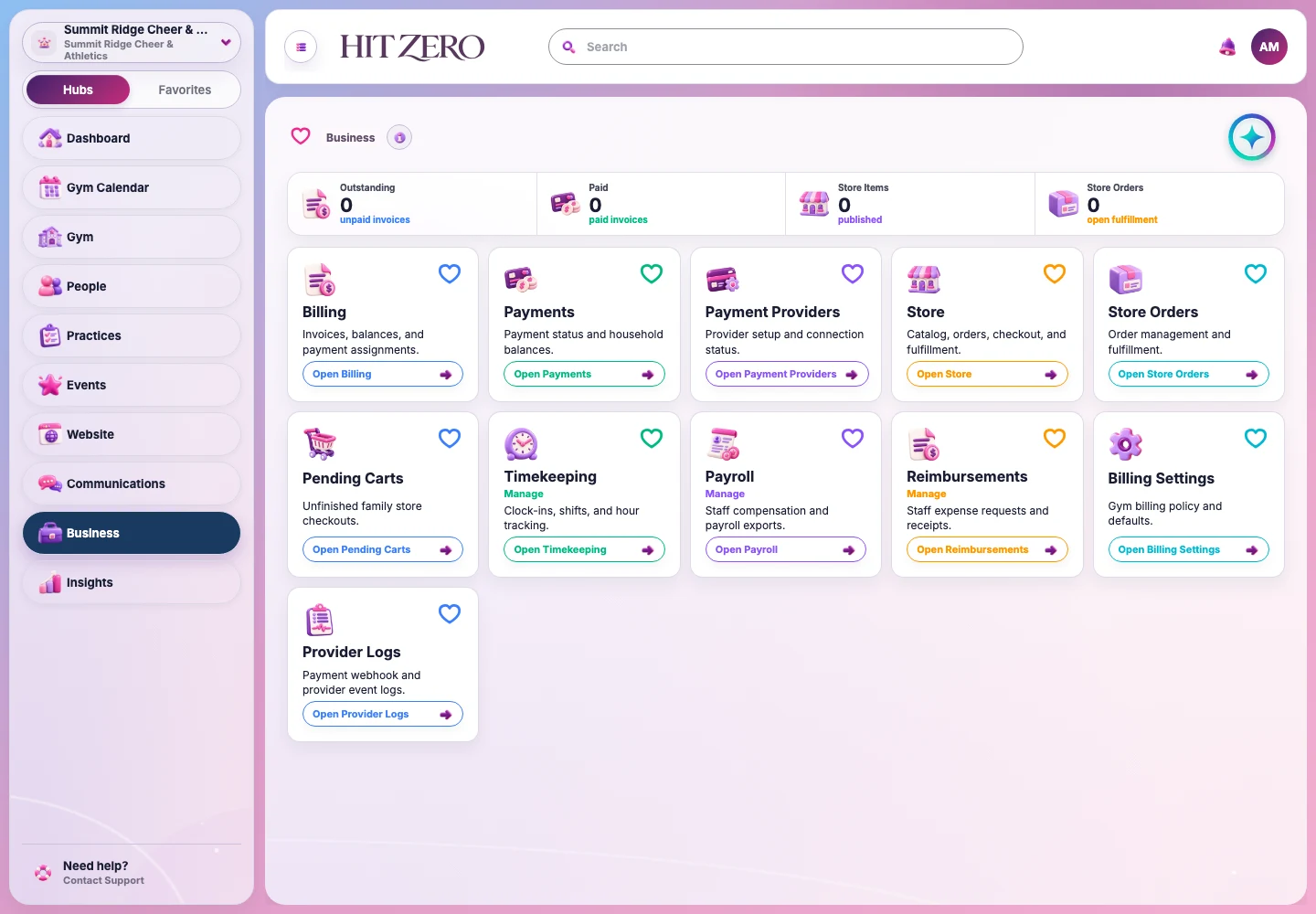
Actual Corsaca HitZero · Development workspace · View full size ↗
More coaching. Less chasing.
Your focus belongs on the floor. Keep the team’s people and performance details together, so the next step is easier to find.
People, with a place.
Coaches and cheerleaders, organized for the work you do together.
Details, ready for practice.
Routines, uniforms, and equipment in your cheer workspace.
A little help from Spirit AI.
Find helpful answers within your workspace, with access based on your role.
AI support for your gym
Meet Spirit AI. More focus on the floor.
A little support for the people behind the team. Ask Spirit questions about your cheer gym workspace and get guidance for the everyday admin behind practices, routines, and competition days.
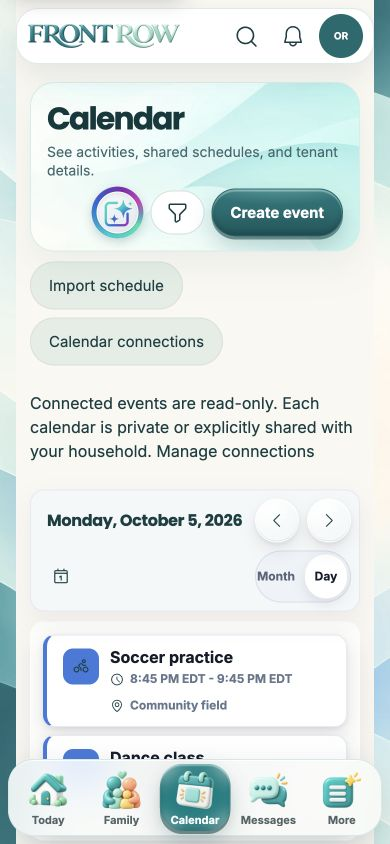
Connections depend on the programs a family joins and the access they’re given.
More play. Less juggling.
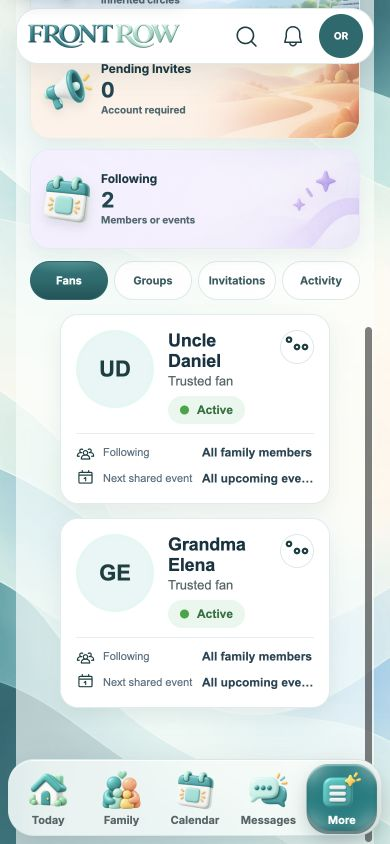
Actual Front Row app · Fictional demo family
GETTING STARTED WITH CORSACA HITZERO
A clear first step. Room to find your rhythm.
Explore how your gym would work in Corsaca HitZero, then build your workspace around the people and schedule you already know.
01
Start with your priorities.
Book a demo and tell us what matters most: scheduling, tuition, communication, or your team’s daily work. Kenny will follow up to arrange a time.
02
Follow the setup checklist.
Review your program and season, add cheerleaders, set up teams, and plan your first practice. The workspace checklist keeps those five steps in view.
03
Prepare for your first week.
Check your schedule and staff access before bringing the workspace into your daily routine. Use the support contact page when you need help with an account or product question.
MOVING FROM ANOTHER SYSTEM?
Let’s talk through what needs to move.
Tell us which software you use and what you need to bring over. We’ll discuss your requirements during the demo so you can confirm the available options before planning a switch.
Useful details to have ready
Your current software and available export formats
The records you want to move, such as people and schedules
Your target start date and any upcoming billing dates
Start with a description of your data; you don’t need to upload records to request a demo.
For the people running the gym. For the families cheering them on.
Who is HitZero for?
HitZero is the cheer-focused workspace for gym owners, coaches, and staff. It brings practices, events, cheerleaders, routines, and team operations together.
How does Front Row fit in?
HitZero is where your gym manages its work. Front Row is the family experience, bringing connected program schedules and updates into the family’s broader activity life. What a family can see depends on its program connections and permissions.
Can families invite their own fans?
Yes. Front Row lets families invite supporters and manage their access to shared moments. Invited fans don’t automatically get access to your gym’s internal workspace.
How do I access my gym’s workspace?
Use “Sign in” in the header. Your account’s memberships and permissions determine the workspace and features available to you. If you need access to an existing gym, contact its administrator.
Together for every eight count.
Bring the people and details behind your team into one workspace.